
In modern AV installations, stable long-distance HDMI transmission is essential for maintaining high video quality, reliable performance, and flexible system deployment. Whether you are designing a conference room, digital signage network, classroom AV system, church installation, control room, or home theater, choosing the right HDMI extender can significantly improve both installation efficiency and user experience.
Traditional HDMI cables are often limited by transmission distance. As cable runs become longer, signal degradation, flickering, latency, and resolution loss can occur — especially when transmitting 4K Ultra HD content. This is why HDMI extenders over CAT5e/CAT6 have become the preferred solution for professional AV applications.
In this guide, we compare the most common HDMI extender transmission distances — including 165ft, 230ft, and 330ft solutions — while explaining when to use standard HDMI extenders, HDBaseT extenders, ARC-supported systems, HDMI extender splitters, and 4K HDMI HDBT KVM Extender 330ft solutions for professional AV distribution.
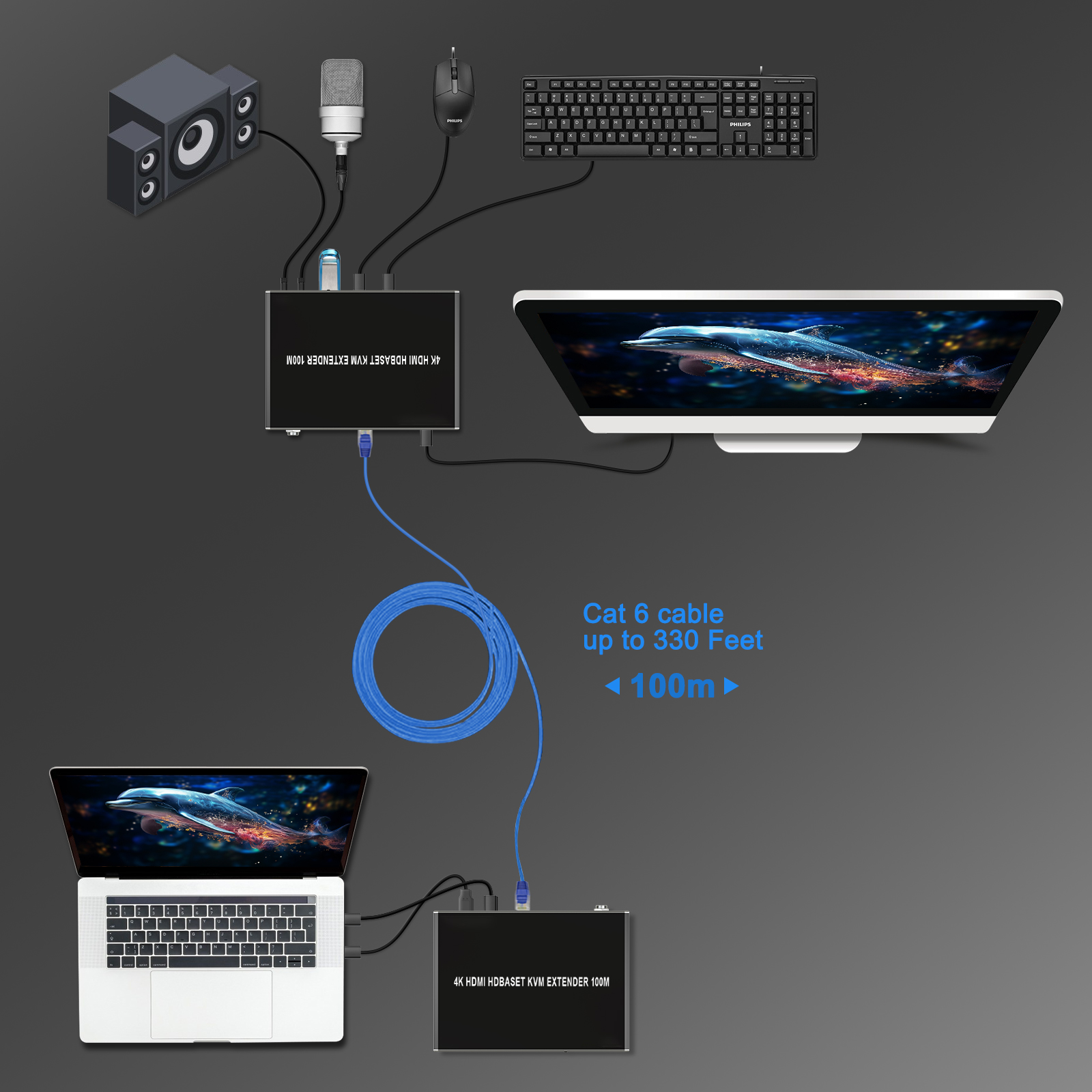
An HDMI extender is a device that transmits HDMI video and audio signals over long distances using CAT5e, CAT6, or fiber optic cables instead of traditional HDMI cables.
A standard HDMI extender system typically includes:
HDMI Transmitter (TX)
HDMI Receiver (RX)
CAT5e/CAT6 cable connection
This setup allows HDMI signals to travel much farther while maintaining stable image quality and low latency.
Compared with long HDMI cables, HDMI extenders offer several advantages:
Longer transmission distance
Better signal stability
Reduced signal loss
Easier cable routing
Lower installation cost
Improved flexibility for professional AV systems
Because CAT6 cables are easier to install inside walls, ceilings, and equipment racks, HDMI over CAT6 technology has become widely used in:
Conference rooms
Church AV systems
Educational campuses
Retail digital signage
Security monitoring systems
Home theater installations
Professional HDMI extenders often support advanced features including:
4K@60Hz
HDR
Dolby Vision
HDCP 2.2
ARC/eARC
IR extension
RS232 control
USB/KVM extension
These capabilities make HDMI extenders suitable for both commercial AV integration and high-end residential installations.
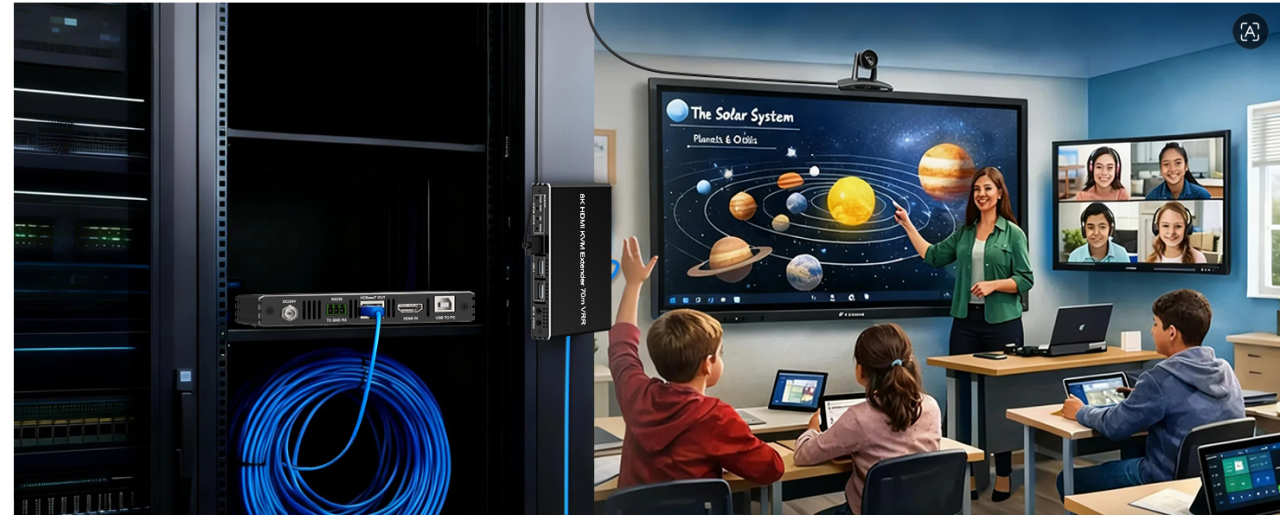
A 165ft (50m) HDMI extender is one of the most common solutions for standard 4K AV installations.
This transmission range is ideal for environments where displays and source devices are installed in different areas of a room or building while still requiring stable Ultra HD performance.
Typical applications include:
Conference rooms
Classrooms
Home theater systems
Gaming rooms
Small digital signage installations
In modern meeting rooms, HDMI extenders allow laptops, video conferencing systems, and media players to remain inside centralized AV racks while displays and projectors are mounted throughout the room.
For home theater environments, HDMI extenders simplify hidden cable routing between AV receivers, gaming consoles, and ceiling-mounted projectors without sacrificing 4K video quality.
When selecting a 165ft HDMI extender, important features include:
4K@60Hz support
HDR and Dolby Vision compatibility
Low latency transmission
HDCP 2.2 support
IR remote extension
USB/KVM functionality
For stable 4K HDMI transmission at 165ft, CAT6 cable is highly recommended over CAT5e because it provides better shielding, improved bandwidth stability, and reduced interference.
For longer 4K transmission distances, HDBaseT technology becomes the preferred solution.
A 230ft HDMI HDBT extender is commonly used in professional AV environments that require stronger anti-interference performance and highly stable signal delivery.
HDBaseT is a professional AV transmission standard designed for long-distance, uncompressed HDMI signal delivery over a single CAT cable.
Compared with standard HDMI extenders, HDBaseT extenders provide:
More stable long-distance transmission
Better EMI resistance
Lower signal attenuation
Improved compatibility for commercial AV systems
Because of these advantages, HDBaseT extenders are widely deployed in mission-critical AV installations.
230ft HDMI HDBT extenders are commonly used in:
Church AV systems
Corporate boardrooms
Digital signage networks
Broadcast facilities
Educational campuses
Command centers
For example, churches often require stable HDMI transmission between stage equipment, LED walls, projectors, and overflow display areas. HDBaseT extenders help maintain reliable 4K video quality across large venues with complex cable routing.
Similarly, corporate control rooms and command centers rely on HDBaseT technology for stable real-time video monitoring and centralized AV equipment management.
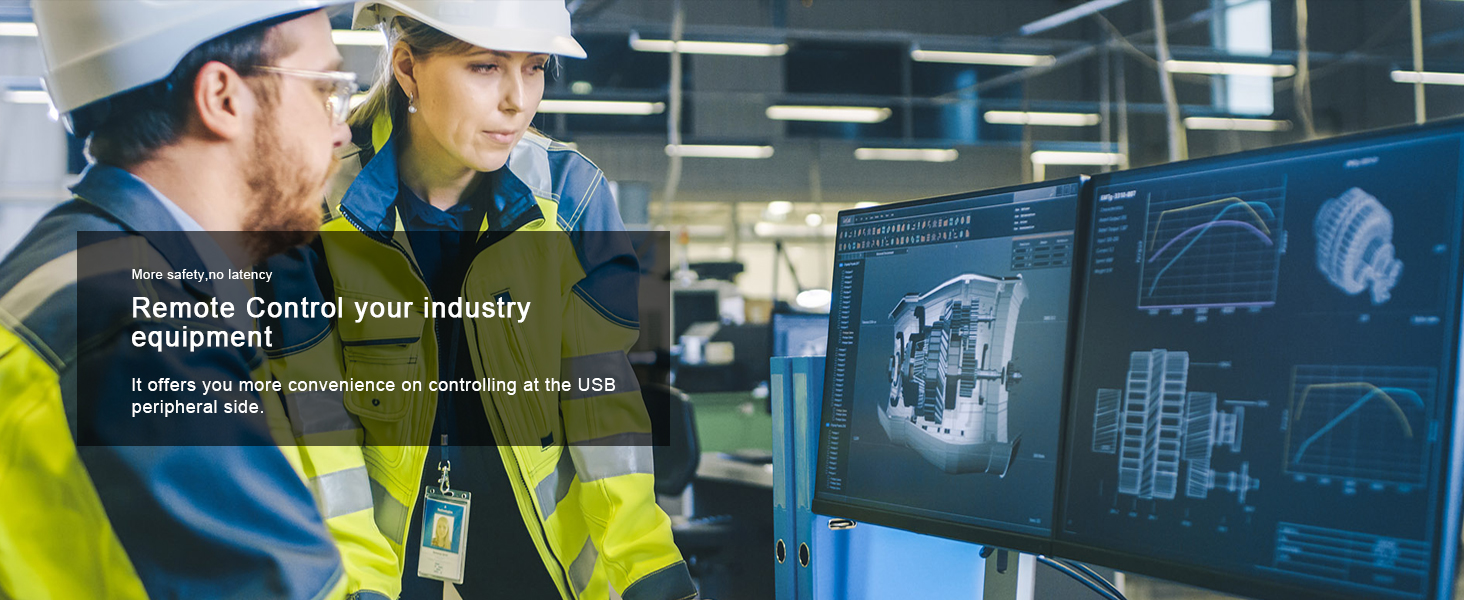
In professional AV and IT environments, video transmission alone is often not enough. Many applications also require remote keyboard, mouse, and USB device control together with long-distance HDMI extension.
This is where a 4K HDMI HDBT KVM Extender 330ft becomes an ideal solution.
By combining HDBaseT transmission technology with USB/KVM extension, these systems allow operators to control remote computers and servers while maintaining stable 4K HDMI transmission over CAT6 cable.
Compared with standard HDMI extenders, KVM extenders provide:
Remote keyboard and mouse control
USB device extension
Long-distance 4K video transmission
Centralized equipment management
Improved workspace flexibility
These systems are widely used in:
Control rooms
Broadcast centers
Data centers
Security monitoring systems
Industrial automation environments
Corporate IT management systems
For example, in a security monitoring center, operators may need to control multiple remote computers while viewing real-time video feeds across large display walls. A 330ft HDMI HDBT KVM extender allows equipment racks to remain inside secure server rooms while users maintain full control from remote workstations.
Professional KVM extenders also help reduce equipment noise, improve cable organization, and simplify centralized AV and IT infrastructure management.
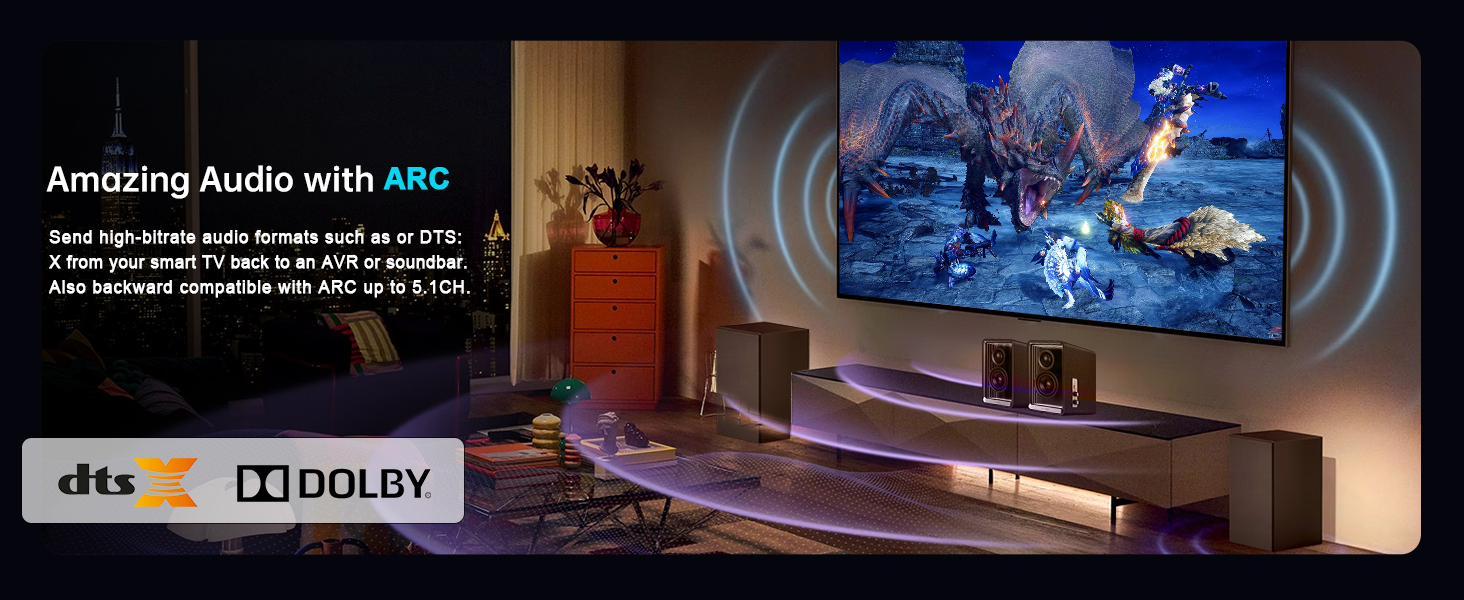
ARC (Audio Return Channel) allows audio signals to travel from a display device back to an audio system through the same HDMI connection.
As modern AV systems become more integrated, HDMI extenders with ARC support have become increasingly important in both residential and commercial installations.
ARC simplifies AV installations by reducing the need for separate audio cables.
eARC provides additional benefits such as:
Higher audio bandwidth
Dolby Atmos support
DTS:X compatibility
Improved audio synchronization
ARC-supported HDMI extenders are commonly used in:
Home theater systems
Smart TV installations
Conference rooms
Hospitality AV systems
TV wall systems
For example, in a premium home theater environment, ARC HDMI extenders allow audio from a smart TV to return directly to an AV receiver or soundbar through the same HDMI connection, reducing cable clutter while improving overall system integration.
When transmission distance becomes the primary requirement, 1080P HDMI extenders can achieve significantly longer cable runs than 4K systems.
A 330ft HDMI extender is commonly used for large-scale AV distribution projects that prioritize transmission stability over maximum resolution.
4K video requires substantially higher bandwidth than 1080P content.
As a result:
1080P signals experience lower attenuation
Long-distance transmission becomes more stable
Signal integrity is easier to maintain
This is why many long-range HDMI extenders support 1080P at 330ft while supporting shorter distances for 4K transmission.
Long-range HDMI extenders are widely used in:
Stadium AV systems
Warehouse displays
Security monitoring systems
Campus broadcasting
Transportation hubs
Factory information systems
For large-scale AV infrastructure, CAT6 cable is generally recommended because it offers better shielding, lower interference, and improved long-distance reliability.
In many commercial AV systems, a single HDMI source must be distributed to multiple displays simultaneously.
This is where an HDMI extender splitter becomes especially valuable.
An HDMI extender splitter combines two functions:
Long-distance HDMI extension
Multi-display signal distribution
These systems typically include:
One HDMI transmitter
Multiple HDMI receivers
CAT6 cable infrastructure
This configuration allows one source device to distribute synchronized HDMI content across multiple remote displays.
| Device | Main Function |
|---|---|
| HDMI Splitter | Duplicate HDMI signal |
| HDMI Extender | Extend transmission distance |
| HDMI Extender Splitter | Extend HDMI signal to multiple displays over long distance |
Typical applications include:
Digital signage systems
Retail advertising displays
Sports bars
Exhibition halls
LED display systems
For example, sports bars often require dozens of TVs to display the same live event simultaneously across large spaces. HDMI extender splitters simplify AV deployment while maintaining synchronized video playback across all displays.
Retail stores and shopping malls also rely on HDMI distribution extenders to deliver advertising content across multiple screens throughout a building.
| Resolution | Distance | Technology | Recommended Application |
|---|---|---|---|
| 4K@60Hz | 165ft | Standard HDMI Extender | Meeting rooms & home theater |
| 4K@60Hz | 230ft | HDBaseT Extender | Professional AV systems |
| 4K@60Hz | 330ft | HDMI HDBT KVM Extender | Control rooms & IT management |
| 1080P | 330ft | Long-Range CAT6 Extender | Large-scale AV distribution |
Choosing the correct HDMI extender depends on several important factors including resolution, transmission distance, installation environment, and system functionality.
Higher resolutions require more bandwidth.
1080P supports longer transmission distances
4K HDMI transmission requires better cable quality and stronger signal processing
Different projects require different extender technologies.
Short distance → Standard HDMI extender
Medium distance → HDBaseT extender
Long distance → Long-range CAT6 extender or fiber extender
Commercial AV systems often prioritize:
Better stability
Multi-display support
IR/RS232 control
USB/KVM extension
Residential AV systems may prioritize:
ARC/eARC support
Home theater compatibility
Clean cable management
Easy installation
Each AV solution serves a different purpose:
HDMI Extender → Long-distance transmission
HDMI Splitter → One source to multiple displays
HDMI Matrix → Multiple sources to multiple displays
Understanding these differences helps avoid unnecessary installation complexity and cost.
Yes. Most professional HDMI extenders are designed for CAT5e or CAT6 transmission, with CAT6 providing better long-distance stability and lower interference.
Standard 4K HDMI extenders commonly support 165ft, while HDBaseT extenders can support up to 230ft or more, depending on cable quality and bandwidth requirements.
For professional AV systems, HDBaseT generally provides better transmission stability, stronger anti-interference performance, and longer transmission distances.
Yes. Some HDMI extenders support ARC or eARC functionality for advanced audio return applications.
Yes. HDMI extender splitters can distribute one HDMI source to multiple displays over long distances using CAT6 cabling.
An HDMI extender increases transmission distance, while an HDMI splitter duplicates HDMI signals to multiple displays.
HDMI extenders play a critical role in modern AV system design by enabling stable long-distance video and audio transmission over CAT5e or CAT6 cables.
For most AV installations:
165ft HDMI extenders are ideal for standard 4K meeting rooms and home theater applications
230ft HDBaseT extenders provide professional-grade stability for commercial AV systems
330ft HDMI HDBT KVM extenders are perfect for control rooms, IT management, and centralized workstation environments
330ft 1080P extenders are best suited for large-scale, long-distance AV distribution
By understanding transmission distance, resolution requirements, and application scenarios, you can select the most suitable HDMI extender solution for your AV project while ensuring long-term system stability, scalability, and professional AV performance.

