
Many sources, one display
Combines sixteen HDMI feeds onto a single output canvas, with 4x4 and 2x2 multiview layouts, group view and seamless single-view switching. The job is watching everything at once, not distributing it to separate rooms.
Specifying a 16x1 HDMI multiviewer is a routing question before it is a resolution question: how many sources must be visible at once, how many displays the room really needs, and whether the canvas has to be 4K or 8K. This guide works through those three decisions, then narrows into the details that settle a tender — multiview layouts, HDMI 2.0 versus 2.1 bandwidth, EDID and HDCP behaviour, control integration and audio handling. Where a project needs sixteen HDMI inputs onto a single 8K screen with seamless switching, an HDMI 2.1 multiviewer such as the SW161H21-MV is the reference point used throughout this page.

Three boxes get quoted for the same room and do three different jobs. Get the category right first; the specification falls into place afterwards.
Combines sixteen HDMI feeds onto a single output canvas, with 4x4 and 2x2 multiview layouts, group view and seamless single-view switching. The job is watching everything at once, not distributing it to separate rooms.
Routes any input to any output across a crosspoint so several screens stay independent. A matrix with multiview adds a combined preview, but its core job is distribution rather than simultaneous monitoring.
Maps and scales sources across a wall of panels with wall-level geometry handling. Choose it when the wall itself is the canvas rather than when sixteen sources must be visible on one screen.
Every value below is taken from the current specification of the SW161H21-MV. Read the middle column as the fact and the right-hand column as the buying consequence.
| Specification | Verified value | What it means when you specify |
|---|---|---|
| HDMI version | HDMI 2.0 / 2.1 | Confirm the input version against your source list before tender — see the note below |
| HDCP version | HDCP 2.2 / 2.3 | Covers current protected content; check every source and display in the chain |
| Output resolution | 8K@60Hz, with 4K@60Hz and 1080P@60Hz supported | The 8K@60Hz canvas is an output capability — plan the display around it |
| Max bandwidth | 600MHz | High-bandwidth frame: cable quality and run length decide stability |
| Colour depth | 24-bit, 30-bit, 36-bit deep colour | Supports deep-colour sources; verify the display's own depth support |
| Audio formats | DTS-5.1, DTS-HD, Dolby-5.1, PCM | Audio can be selected from any HDMI input at the output stage |
| TMDS / DDC signal | TMDS 0.5–1.5 V p-P; DDC 5 V p-P (TTL) | Standard TMDS signalling — long passive runs are the usual weak point |
| Max working current | 3A | Plan rack power and heat around a single 1U-height chassis |
| Dimensions / weight | 440 × 225 × 43 mm, 3 kg | Standard 19-inch rack width, 1U height — reserve rear clearance for 16 HDMI plugs |
| EDID and retiming | EDID management; signal retiming with no loss of quality | Reduces handshake dropouts when sources and displays disagree |
The features block describes the sixteen inputs as HDMI 2.0 with 4K@60Hz HDR and HDCP 2.2 compliance, while the overview text refers to the system processing incoming HDMI 2.1 signals and the specification table lists HDMI 2.0/2.1. The 8K@60Hz capability is clearly an output specification. Match your source inventory to the confirmed input version before you fix the design, and do not assume sixteen simultaneous 8K inputs.
The frame offers four operating views. Pick the one the room will actually sit on all day, then number the sources to match it.

Use this when an operator must see every feed at once — network monitoring, campus security, transport or utility control desks. Sixteen sources share one 8K canvas.
Use this when four inputs are enough on screen and each quadrant must stay legible — meeting rooms, lecture theatres, briefing spaces where text has to be readable at distance.
Use this when a supervisor works one cluster at a time. Group view is displayed in 2x2 with switching inside each group, so the rest of the wall keeps running untouched.
Use this when the room presents a full-screen source and changes between feeds live. Switching across all sixteen signals is seamless, with no visible gap between takes.
An operations device lives or dies on how quickly it can be driven. This frame gives the programmer several routes in and needs no driver package to start.
Two practical items decide whether the installation behaves on day one: what happens on the cable, and where the audio goes.

The same chassis serves very different rooms. Start from the scenario, then lock the specification that carries the decision.
| Scenario | Specification that decides it | Buyer decision |
|---|---|---|
| Control and monitoring desk | 16 HDMI inputs, 16-up multi view, seamless single-view switching | Count feeds against 16 first; a second chassis is cleaner than overloading one |
| Conference room and training suite | 2x2 multiview, group view, output scaler | Check the room display's native resolution, then decide whether the 8K canvas is used at full size |
| Office and campus AV | IP / Web UI, RS232, API commands | Confirm the control system and request the command list with the quotation |
| Hotel and shopping mall displays | 8K@60Hz output, output scaler, EDID management | Mixed-age displays are workable through the scaler, but verify each screen's HDMI input |
| Museum and exhibition spaces | Seamless single-view switching, EDID management, signal retiming | Long cable runs are the main risk — plan extenders and test with the real playback devices |
| Home theatre | 8K@60Hz output, audio selection from any input, DTS-HD and Dolby-5.1 support | One switcher replaces a separate video selector and audio de-embedding path |

The frame earns its place when a single screen must carry sixteen HDMI sources at once, when switching between those sources has to be invisible to the audience, and when the output canvas is destined for an 8K display. It is a 1U, rack-width chassis at 440 × 225 × 43 mm and 3 kg, controlled from the front panel, RS232, IP or a PC GUI, with no driver package to install.
If the requirement is a crosspoint for several independent displays, or a wall of panels showing one canvas, the categories above point elsewhere — the related models below cover both.
This product is quoted rather than sold from a cart, so the fastest route to accurate pricing is a short, specific request. Send three things and the frame, control options and accessory list can be confirmed together.
Keep adjacent product options together for a faster catalog comparison.
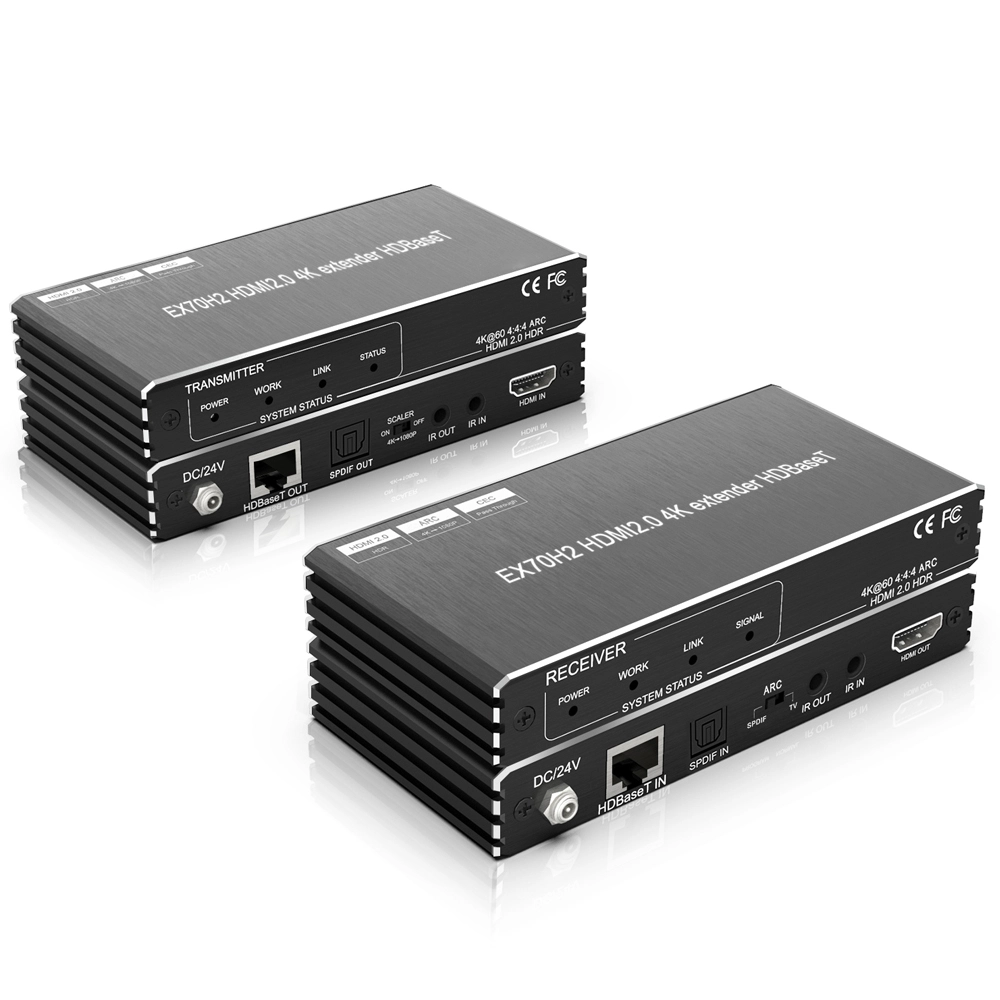
Transmit 4K@60Hz up to 70m with ARC and IR using this HDBaseT extender. Ideal for audio visual suppliers and video conferencing equipment supplier needs.
View product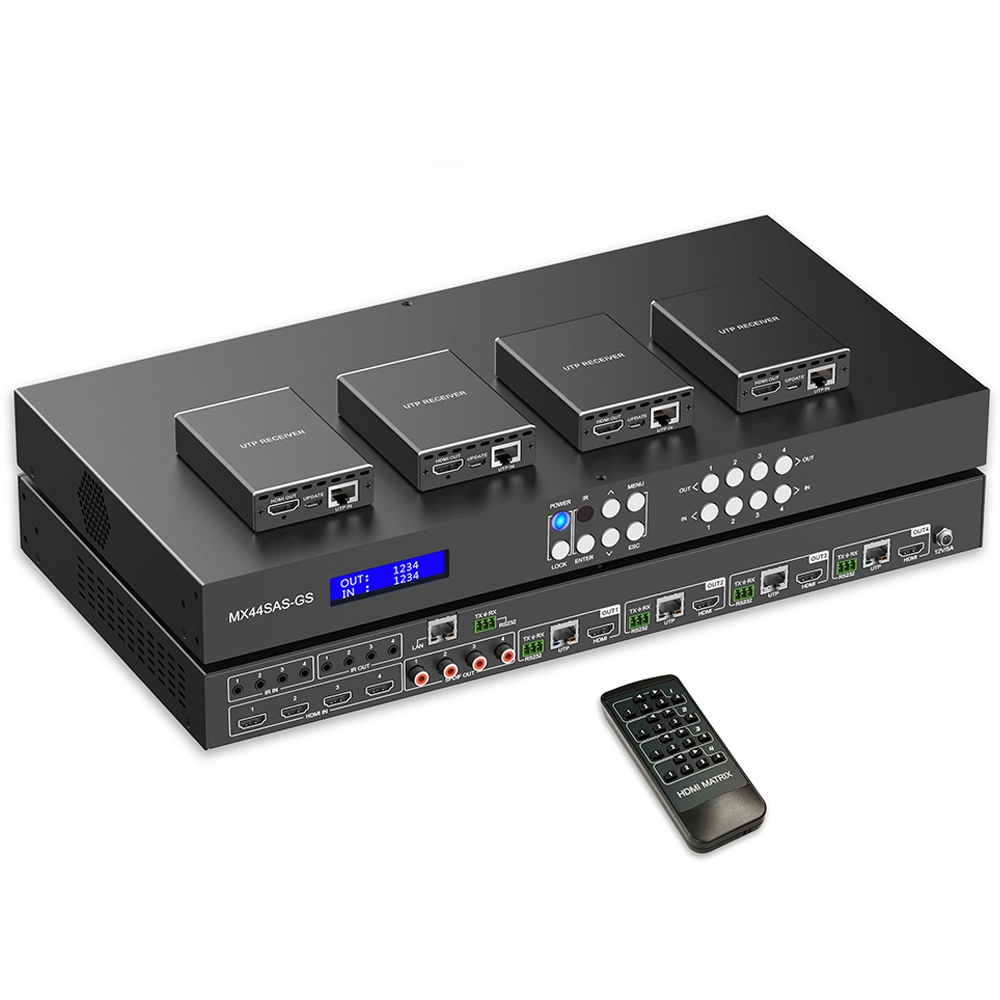
Engineered for ProAV, this 4x1 hdmi multiviewer delivers 4K60 performance with PiP/PoP modes. A reliable video processor for seamless multi-source monitoring.
View product
Professional 2×4 HDMI 2.1 processor delivering stable 8K60 distribution with video wall controller and HDMI Matrix functions for commercial AV systems.
View productreview the product details, images, and specifications presented on the official product page.
use the application and use-case information published on the official product page.
confirm the specifications and options listed for the exact product variant before placing an order.
check the official product page or ask the supplier about options shown for the selected product.
use the official contact or inquiry path provided on the site.
include the product page, intended use, required quantity, and any specifications you need the supplier to review.
